
Dell Vostro 15 7580 Laptop Quick Start Guide
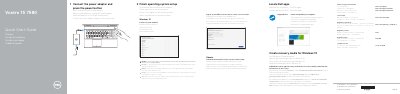
This guide helps you set up and use your Dell Vostro 15 7580 laptop. It covers connecting power, setting up the operating system, connecting to a network, and using basic features like camera, microphones, and ports. For detailed instructions, refer to the full Owner’s Manual at Dell.com/support/manuals.
The laptop includes features such as a camera, dual-array microphones, USB Type-C with Thunderbolt™ 3, HDMI, VGA, and SD card reader. It also has a touchpad, LED status lights, and a Noble Wedge lock slot for security. The guide includes shortcuts for audio, volume, and display controls.
Enter the password for the wireless network access when prompted.
See the Owner’s Manual at Dell.com/support/manuals.