
The Dell™ W4200 42-inch plasma TV features the following:
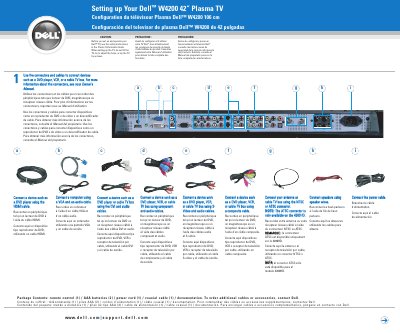
This Dell document explains how to set up the Dell W4200 42-inch Plasma TV, including safety precautions, connecting the power cable, and linking devices such as DVD players, VCRs, cable TV boxes, antennas, and computers.
It also describes package contents, remote control battery installation, turning on the TV, selecting input sources such as HDMI, VGA, DVI, NTSC, ATSC, and AV inputs, accessing the on-screen display, and presetting channels.
| Screen size | 42 inches |
|---|---|
| Screen size metric | 106 cm |
The package includes a remote control, two AAA batteries, a power cord, a coaxial cable, and documentation.
The package includes a remote control, two AAA batteries, a power cord, a coaxial cable, and documentation.