
Dell Networking 320 Series Access Point Installation Guide
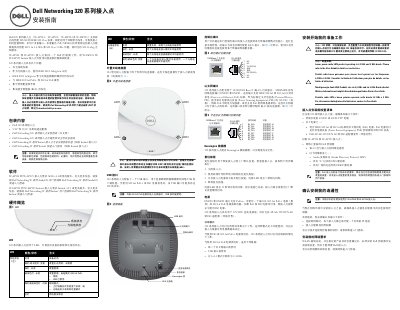
This document is the installation guide for the Dell Networking 320 Series WLAN access points, including the W-AP324a, W-AP325a, W-IAP324, and W-IAP325 models. It describes the hardware, ports, LEDs, power options, and basic setup for these wireless access points.
The access points support IEEE 802.11a/b/g/n/ac with MU-MIMO on 2.4 GHz and 5 GHz bands. They can be powered by 802.3at PoE+, 802.3af PoE, or a 12V/30W DC adapter, and include Gigabit Ethernet, USB, BLE, and a Kensington lock slot.
| Wireless standard | IEEE 802.11a/b/g/n/ac |
|---|---|
| Frequency bands | 2.4 GHz and 5 GHz |
| Power over Ethernet Plus | 802.3at PoE+ |
| Power over Ethernet | 802.3af PoE |
| DC power input | 12V/30W |
| Ethernet port | 10/100/1000 Base-T (RJ-45) |
It supports IEEE 802.11a/b/g/n/ac on 2.4 GHz and 5 GHz bands.
It can use 802.3at PoE+, 802.3af PoE, or an AP-AC-12V30UN AC to DC adapter.
They run ArubaOS 6.4.4 or Instant 4.2.1 and can be managed through AOS Web UI or CLI.