
Dell™ Wireless 2350 Broadband Router User's Guide. Introduces wireless networking overview, hardware overview, installation and configuration.
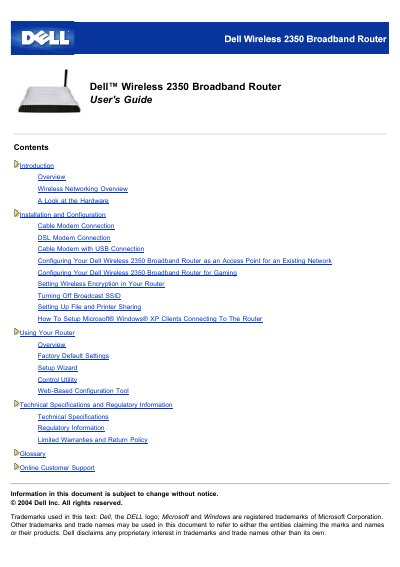
The Dell Wireless 2350 Broadband Router is an 802.11b/g wireless access point with a built-in Internet router. It allows both wired and wireless computers simultaneous access to the Internet when connected to a DSL or cable modem.
The device can be configured as an Internet router with a firewall, a wireless hub (Access Point), a 4-port Ethernet switch, or an Ethernet bridge. It supports up to 252 connected computers when used with additional router devices, with a maximum of 16 wireless connections.
| Wireless Standard | 802.11b/g |
|---|---|
| Wireless Speed | Up to 54 Mbps |
| LAN Port Speed | 10 or 100 Mbps |
| Maximum Wireless Range | 300 feet |
| Max Connected Computers | 252 |
| Max Wireless Clients | 16 |
| NAT Capacity | 32 computers |
The router supports both Wired Equivalent Privacy (WEP) and Wi-Fi Protected Access (WPA).
The default SSID is 'wireless'.