
Dell™ Wireless 4350 Small Network Access Point User's Guide Contents Introduction Overview Wireless Networking Overview A Look at the Hardware Installation and Configuration Configuration of the Access Point Connecting the Access Point to the network How to obtain the IP address of the Access Point Setting Wireless Encryption in Your Access Point Turning Off Broadcast SSID Setting Up File and Printer Sharing How to setup wireless clients to connect to the Access Point Using Your Access Point Overview Factory Default Settings Setup Wizard Control Utility Web-Based Configuration Tool Technical Specifications and Regulatory Information Technical Specifications Regulatory Information Limited Warranties and Return Policy FAQs Glossary Online Customer Support Information in this document is subject to change without notice. © 2004 Dell Inc. All rights reserved.
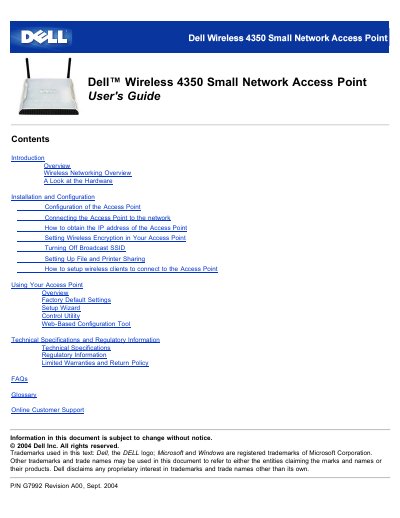
The Dell Wireless 4350 Small Network Access Point is an 802.11b/g wireless access point that lets wireless clients access a corporate network. It can work as a wireless hub or repeater, supports up to 64 wireless clients, and runs at speeds up to 54 Mbps.
This user's guide introduces the hardware, installation and configuration, wireless encryption using WEP and WPA, and file and printer sharing setup. It also explains how to connect wireless clients, use factory default settings, the setup wizard, control utility, and web-based configuration tool.
| Wireless standard | 802.11b/g |
|---|---|
| Max wireless clients | 64 |
| LAN port speed | 10/100 Mbps |
| Maximum distance | 300 feet |
| Encryption | WEP and WPA |
It is an 802.11b/g wireless access point.
It supports up to 64 wireless clients.
It supports WEP and WPA encryption.
The default SSID is wireless.