
Dell PowerEdge 500SC Systems Installation and Troubleshooting Guide

The Dell™ PowerEdge™ 500SC Systems Installation and Troubleshooting Guide describes the steps to install and troubleshoot the system.
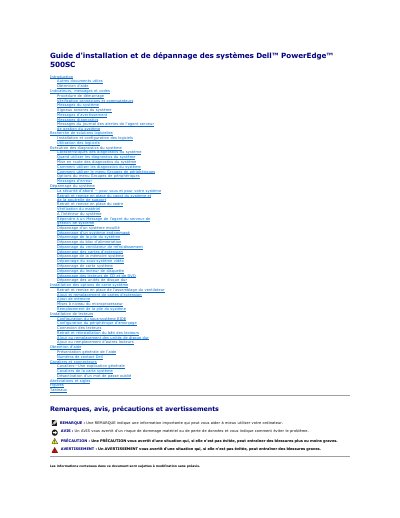

Dell PowerEdge 500SC Systems Installation and Troubleshooting Guide - cover page
Brand
DELL
Category
SERVER
Document type
Installation Guide
Language
French
Pages
67
File format
PDF
File size
2 MB
Published
24 November, 2023
Updated
24 November, 2023
MD5 checksum
3A193222582168F26A3BCB2846213E8B

About this manual

The Dell PowerEdge 500SC Systems Installation and Troubleshooting Guide provides detailed instructions for the installation, configuration, and maintenance of the server. It covers system startup procedures, hardware checks, and the use of diagnostic tools to resolve system errors.

The document includes comprehensive sections on hardware replacement, such as memory modules, microprocessors, and disk drives, as well as guidance on managing system jumpers and resetting forgotten passwords. This manual is written in French.

What's inside

  • Procédure de démarrage
  • Exécution des diagnostics du système
  • Dépannage du système
  • Installation des options de carte système
  • Configuration du sous -système EIDE
  • Cavaliers et connecteurs
  • Désactivation d'un mot de passe oublié

Frequently asked questions

What is the purpose of the NVRAM jumper?

The NVRAM jumper determines if configuration settings are kept or cleared during the next system boot.

What is the purpose of the PASSWORD jumper on the system board?

It activates or deactivates system password functions.

What happens when the PASSWORD jumper is open?

The password function is disabled.

What does the NVRAM jumper control?

It controls whether configuration settings are retained or erased on system restart.

Download PDF (2 MB)

More DELL Manuals


View all DELL manuals →