
Medicare Managed Care Manual Chapter 20 - Plan Communications Guide Section 3 - Installing AGNS Software and Logging Onto the CMS Data Center (Rev. 40, 11-14-03) Table of Contents

This document describes the process of installing and logging into the AGNS-Dialer software.
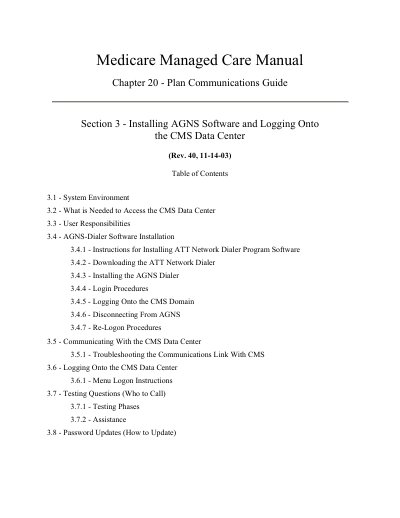

Medicare Managed Care Manual Chapter 20 - Plan Communications Guide Section 3 - Installing AGNS Software and Logging Onto the CMS Data Center (Rev. 40, 11-14-03) Table of Contents - cover page
Brand
CMS
Category
Other software
Document type
User Manual
Language
English
Pages
31
File format
PDF
File size
1.9 MB
Published
24 November, 2023
Updated
24 November, 2023
MD5 checksum
D5BDDA7A0CC501B9195B45EAC4D5BA4F

About this manual

This document serves as a guide for installing and using the AGNS-Dialer software to access the CMS Data Center Mainframe. It details the system environment requirements, including hardware and software specifications such as PC-compatible microprocessors and specific modem capabilities. The guide covers the complete installation process for the AT&T Network Dialer Program and Microsoft Internet Explorer.

What's inside

  • System Environment
  • User Responsibilities
  • AGNS-Dialer Software Installation
  • Downloading the ATT Network Dialer
  • Login Procedures
  • Communicating With the CMS Data Center
  • Testing Questions
  • Password Updates

Specifications

Operating SystemWindows 95/98 or Higher
Hard Disk SpaceOne gigabyte
Modem RequirementHayes or Hayes-compatible up to 5600 KB
Internet Explorer VersionVersion 4.01 SP1 or greater
Encryption Requirement128 bit encryption

Frequently asked questions

What is the minimum hard disk space required for the AGNS-Dialer?

The minimum requirement is one gigabyte of hard disk space.

How often does the HITS password expire?

The HITS password expires every 60 days.

Download PDF (1.9 MB)

More CMS Manuals


View all CMS manuals →