
This user manual provides instructions for installing, registering sites, connecting to cameras, and uninstalling the CMS Mobile Viewer application on…
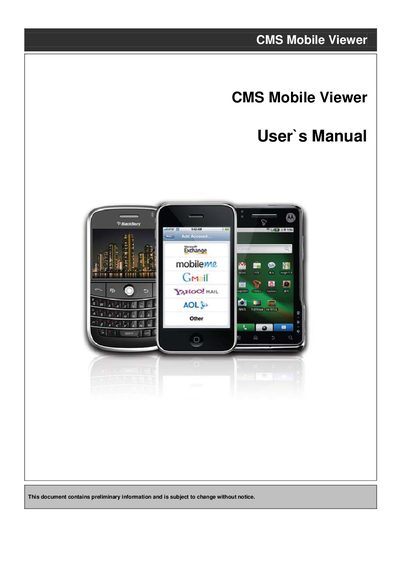
The document serves as a user guide for the CMS Mobile Viewer software. It details system requirements and step-by-step installation procedures for four specific mobile operating systems: iPhone (iOS), Android, Blackberry OS, and Windows Mobile Professional.
Following installation, the manual covers site registration processes common across platforms, including entering site names, IP addresses or DDNS addresses, port values, and user credentials. It also explains how to connect to live camera feeds, switch channels, and properly uninstall the application from each supported device type.
The device must run Windows Mobile Professional 6.1 or higher, have at least 512Kb of memory, be a Smartphone, and support wireless networking methods like Wi-fi.
Click the icon and hold until an x mark appears, then click the delete icon and confirm by clicking the button to successfully uninstall.