
CMS user manual is a manual for software operation for connecting multiple devices of different types or models (such as DVR, DVS, etc.), which introduces the software's features, installation instructions, basic functions, image preview, system settings, recording functions, and advanced features.
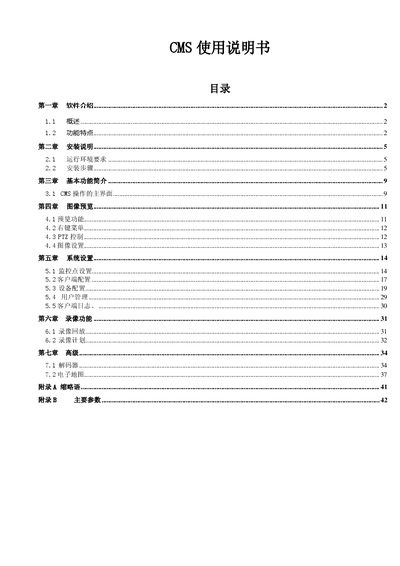
The CMS (Center Manager System) manual introduces the software’s features, including distributed architecture, multi‑window, multi‑user, multi‑language support, voice intercom, video conferencing, electronic maps, and alarm center. It explains how to configure users, permissions, and device management, and describes the system’s data interface and extensibility.
Installation requirements, step‑by‑step setup procedures, and post‑installation configuration are detailed, followed by sections on image preview, PTZ control, system settings, recording functions, and advanced features such as decoder and electronic maps. Appendices list acronyms and main technical parameters. This manual is written in Chinese.
| Video compression standard | H.264 |
|---|---|
| Audio compression standard | G.711A |
| Image resolution (NTSC) | 704×480 |
| Image resolution (PAL) | 704×576 |
| Frame rate (NTSC) | 30 FPS |
| Maximum client connections | 10 simultaneous connections |
| Network interface | 10/100M RJ45 |
| Video input | BNC |
| Audio input | RCA |
CMS can support up to ten clients connected simultaneously.
CMS uses the H.264 video compression standard.
The software runs on Windows Vista, Windows XP, Windows 2000, Windows 2003, and Windows 2007, but is not recommended for Windows 98.