
Dell Latitude 3490 Quick Start Guide
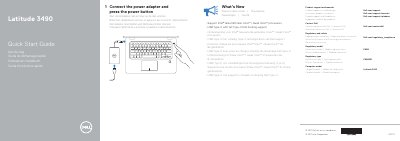
This document serves as a Quick Start Guide for the Dell Latitude 3490 laptop. It provides initial setup instructions, specifically directing users to connect the power adapter and press the power button to start the device. The guide is multilingual, offering instructions in English, Dutch, French, German, and Italian.
| Processor Support | Intel 8th Gen Core i Quad Core processors |
|---|---|
| USB Support | USB Type-C with full Dell docking support |
| Fingerprint Reader | Optional |
| Micro-SIM Card Slot | Optional |
Connect the power adapter and press the power button.
No, the fingerprint reader is an optional feature.