
The Dell Latitude 3490 Quick Start Guide introduces the features and specifications of the product.
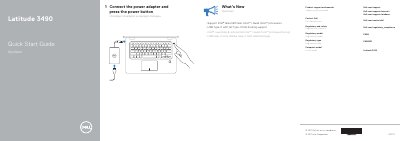
This document serves as a Quick Start Guide for the Dell Latitude 3490 laptop. It outlines the initial setup steps, which include connecting the power adapter and pressing the power button. The guide also directs users to Dell's support website for additional manuals and contact information.
| Processor Support | Intel latest 8th Gen Core i Quad Core processors |
|---|---|
| USB Connectivity | USB Type-C with full Type-C Dell docking support |
| Network | Network port |
| Video Output | HDMI port |
| Storage Card | SD card slot |
Connect the power adapter and press the power button.