
The document describes the Modbus Server Open Charge Point Protocol (OCPP) user manual. The manual provides information on how to use the Modbus Server OCPP, including installation, configuration and operation instructions.
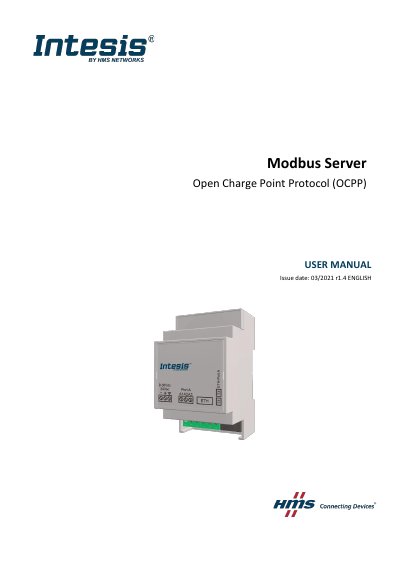
The Intesis Modbus OCPP gateway acts as a bridge to integrate OCPP-enabled EV charging points into Modbus TCP or RTU systems, or to connect to an external OCPP Central System. It functions as a Modbus TCP Server or RTU slave, allowing Modbus clients to read and write internal points while managing OCPP communication.
| Number of OCPP devices (Model INMBSOCP0010100) | 1 device |
|---|---|
| Number of OCPP devices (Model INMBSOCP0200100) | Up to 20 devices |
| Connectors per device supported | 7 |
| OCPP protocol version supported | OCPP 1.6 |
| Modbus link layers supported | Modbus RTU (EIA485), Modbus TCP |
| Number of Modbus Master devices | Up to 6 TCP connections |
The default TCP port used is 502.
The maximum distance is 1200 meters.
A maximum of 32 devices can be connected to the bus.