
Dell laptop user manual.
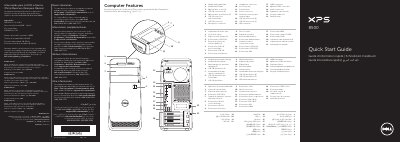
This document serves as a Quick Start Guide for the Dell XPS 8500 desktop computer. It outlines the regulatory compliance information for the Mexican market and provides a visual overview of the computer's external ports and connectors, such as USB, HDMI, and VGA interfaces.
| Input Voltage | 100–240 VAC |
|---|---|
| Input Frequency | 50–60 Hz |
| Nominal Input Current | 8.0 A/4.0 A |
| Regulatory Model Number | D03M |
| USB 3.0 Connectors | 2 |
| USB 2.0 Connectors | 4 |
| Expansion-card slots | 4 |
You can click Start → All Programs → Dell Help Documentation or go to support.dell.com/manuals.
Visit dell.com/ContactDell or call 800-WWW-DELL (800-999-3355) for customers in the United States.