
Dell Precision M3800 Quick Start Guide

Dell M3800 laptop quick start guide
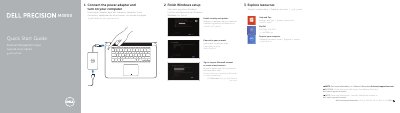

Dell Precision M3800 Quick Start Guide - cover page
Brand
DELL
Category
Laptops
Document type
Quick Start Guide
Language
English
Pages
2
File format
PDF
File size
212 KB
Published
24 November, 2023
Updated
24 November, 2023
MD5 checksum
759DFC54911B00291CE511A9849ADB83

About this manual

This Quick Start Guide assists users in setting up their new Dell Precision M3800 laptop. It covers essential steps such as connecting the power adapter, turning on the computer, and completing the Windows setup process. The guide also instructs users on how to enable security updates and sign in to their Microsoft account or create a local one.

What's inside

  • Explore resources
  • Quick Start Guide
  • Help and Tips
  • Finish Windows setup
  • Enable security and updates
  • Sign in to your Microsoft account
  • Connect to your network
  • Features
  • Product support and manuals
  • Regulatory and safety

Frequently asked questions

Where can I find more information about this product?

For more information, see the Owner's Manual at dell.com/support/manuals.

What should I do first after connecting the power adapter?

You should turn on your computer.

How do I enable security updates?

You need to activate security and updates during the setup process.

Download PDF (212 KB)

More DELL Manuals


View all DELL manuals →