
The document describes how to use a Dell computer.
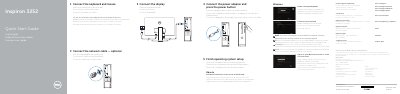
This document serves as a Quick Start Guide for the Dell Inspiron 3252 desktop computer. It outlines the initial setup steps, including connecting peripherals like the keyboard, mouse, and network cable, as well as powering on the device and configuring the operating system.
| Input Voltage | 100 V CA–240 V CA |
|---|---|
| Input Frequency | 50 Hz–60 Hz |
| Input Current | 1,70 A/2,5 A |
| Output Voltage | 19,50 V DC |
| Output Current | 3,34 A/4,62 A |
| Optical Drive | Included |
| USB 3.0 Ports | 2 |
| USB 2.0 Ports | 4 |
| Audio Ports | 3 |
| Video Ports | VGA, HDMI |
You can find support and manuals at dell.com/support.
The power adapter supports an input voltage range of 100 V CA–240 V CA.
The computer consumes 1,70 A or 2,5 A of input current.
There are two USB 3.0 ports on the computer.