
The guide describes how to connect an HP computer to a network, display, power supply, and keyboard and mouse.
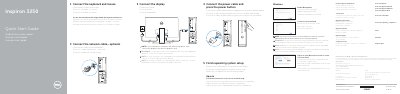
This document serves as a multilingual quick start guide for the Dell Inspiron 3250 computer. It provides step-by-step instructions for initial setup, including connecting the network cable, display, power cable, keyboard, and mouse. It also details how to configure the operating system and enable Dell updates.
| Power Supply Frequency | 50 Hz–60 Hz |
|---|---|
| USB 3.0 Ports | 2 |
| USB 2.0 Ports | 4 |
Yes, if you ordered your computer with a discrete graphics card, connect the display to that card.
You must enter the password for the wireless network access when prompted.
You can find support and manuals at Dell.com/support or Dell.com/support/manuals.