
This guide describes how to connect the keyboard and mouse, connect the network cable, connect the power cord and press the power button, and connect the display.
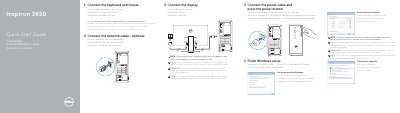
This document serves as a Quick Start Guide for the Dell Inspiron 3650 computer. It outlines the initial steps required to set up the device, including connecting the keyboard, mouse, network cable, power cable, and display. It also covers the process of finishing the Windows setup and configuring a password.
| Power Supply Voltage | 100 V Ca–127 V Ca/200 V Ca–240 V Ca |
|---|---|
| Power Supply Frequency | 50 Hz–60 Hz |
| Input Current Consumption | 7,0 a/3,5 a/4,0 a |
| Origin | China and Mexico |
| USB 3.0 Ports | 2 |
| USB 2.0 Ports | 4 |
Connect the display to the discrete graphics card.
Enter the password for the wireless network access when prompted.