
The Dell Latitude 12 5000 Series E5270 Notebook Quick Start Guide.
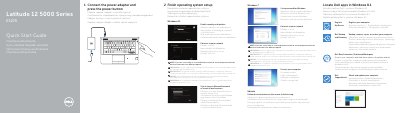
This document serves as a Quick Start Guide for the Dell Latitude 12 5000 Series E5270 notebook. It provides multilingual instructions for initial setup, including connecting the power adapter, finishing operating system setup, and enabling security features. The guide also details how to register the device and access Dell support tools like Backup and Recovery, Data Protection, and SupportAssist.
| Operating System | Windows 8.1 |
|---|---|
| Connector | USB 3.0 |
| Connector | HDMI |
| Connector | VGA |
| Connector | SIM connector (optional) |
| Connector | SD memory card reader |
| Connector | Touch Fingerpint reader (optional) |
| Connector | Contactless smart card reader (optional) |
| Connector | Docking connector |
| Connector | Security-cable slot |
| Connector | Headset connector |
| Connector | PowerShare |
You can register your computer by following the instruction to 'Register My Device' in the guide.
Dell SupportAssist is used to check and update your computer.
You must enter the password for the wireless network access when prompted.