
A migration guide to Dell servers from 32-bit to 64-bit.
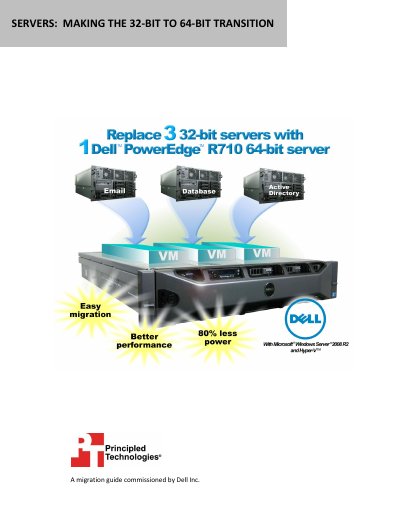
This document is a migration guide commissioned by Dell Inc. and Principled Technologies. It details how to consolidate multiple legacy 32-bit servers into a single Dell PowerEdge R710 running 64-bit Windows Server 2008 R2 with Hyper-V. The guide demonstrates that this transition can reduce power usage by up to 80% and improve performance without requiring application upgrades.
| Maximum RAM Capacity | 144 GB |
|---|---|
| Processor Series | Intel Xeon Processor 5500 series |
| Power Savings | up to 80 percent |
| Virtual CPU Limit | four |
Yes, Microsoft's virtualization technologies let you consolidate multiple existing 32-bit older servers into virtual machines on a new Dell server without changing your applications.
Microsoft System Center Virtual Machine Manager 2008 R2 (SCVMM) is used to automatically transition 32-bit servers to a new Dell PowerEdge R710.
Yes, the Dell PowerEdge R710 supports the features Hyper-V requires, including compatible 64-bit processors and hardware-assisted virtualization.