
The Dell Latitude 11 Keyboard Dock is a versatile docking station that connects your tablet to a keyboard, mouse, and monitor. It also has a built-in battery that can charge your tablet.
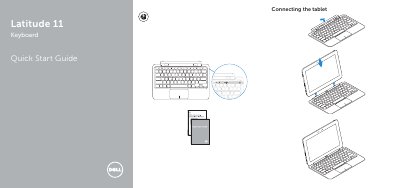
This Quick Start Guide covers the basic operations for the Dell Latitude 11 Keyboard Dock, model K12M. It details the steps for connecting the tablet to the dock and disconnecting it safely. The document also includes instructions on how to use the Dell mini Active Pen that comes with the accessory.
The guide provides essential setup information for users to begin using the keyboard dock immediately. It references the main user manual for detailed product features, safety precautions, and connection diagrams.