
This document describes the features and characteristics of the Metered Rack PDU I.
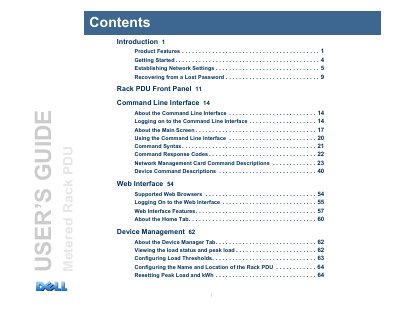
The Dell Metered Rack PDU I is a stand-alone, network-manageable power distribution device that monitors current, voltage, and power for the unit and each phase. It supports management via a Web interface, Command Line Interface (CLI), or Simple Network Management Protocol (SNMP). The device features configurable alarm thresholds, event and data logging, and security protocols for authentication and encryption.
To begin using the device, users must install the unit, apply power, and establish network settings using BOOTP, DHCP, or manual configuration. The guide details how to access the device through various interfaces, configure user accounts with different access levels (Administrator, Device User, Read-Only), and manage settings such as temperature sensors, dry contacts, and notification methods including email and SNMP traps.
| Management Protocols | Web interface, command line interface, SNMP |
|---|---|
| Monitoring Capabilities | Voltage, current, and power monitoring |
| User Access Levels | Administrator, Device User, Read-Only User |
| Access Priority | Local serial, Telnet/SSH, Web |
| Power Protection | None (requires UPS) |
The default credentials are admin/admin for Administrator, device/device for Device User, and readonly/readonly for Read-Only User.
You can access the command line interface through a serial connection, Telnet, or Secure Shell (SSH).
No, the Rack PDU does not provide power surge protection and should be connected to an uninterruptible power supply (UPS).