
Dell Latitude 5175/5179 Quick Start Guide
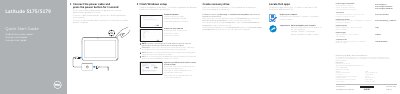
This document serves as a Quick Start Guide for the Dell Latitude 5175 and Latitude 5179 laptops. It provides multilingual instructions for initial setup tasks, such as connecting the power cable, registering the computer, enabling Dell updates, and configuring the network connection. It also includes steps for creating a recovery drive and inserting optional SIM or microSD cards.
| Battery Model | F17M7 / 0RVR9 / 8XKW5 |
|---|---|
| Battery Voltage | 19.5Vdc |
| Battery Capacity | 30Wh |
| Charger Model | HA30NM150 / HKA30NM150 / DA30NM150 |
| Input Voltage | 100 V CA–240 V CA |
| Input Frequency | 50 Hz–60 Hz |
| Input Current | 1,30 A |
| Output Voltage | 5 V DC/20 V DC |
| Output Current | 2,0 A/1,50 A |
The battery model is F17M7 / 0RVR9 / 8XKW5.
In Windows search, type Recovery, click Create a recovery drive, and follow the instructions on the screen.
The Latitude 5175 only includes the NFC-sensor area.