
The Dell™ Vostro™ 1710 Service Manual provides information on how to troubleshoot and repair a Dell™ Vostro™ 1710 notebook computer.
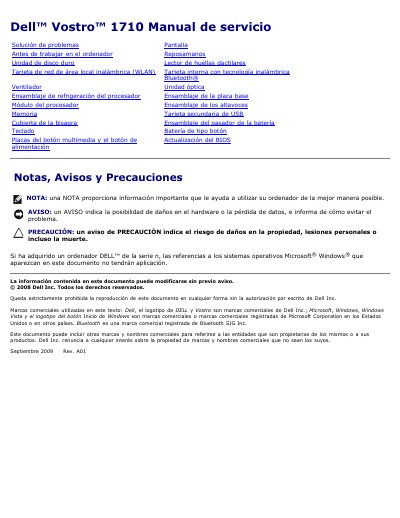
This document is the Service Manual for the Dell Vostro 1710 laptop. It provides detailed instructions for technicians on how to troubleshoot hardware issues, run Dell Diagnostics, and perform maintenance tasks such as replacing components like the processor, memory modules, keyboard, and battery. The manual includes specific diagnostic codes and resolution steps for common startup errors. This manual is written in Spanish.
If two or more memory modules are installed, remove them, reinstall one module, and restart the computer. If it starts normally, install additional modules one by one to identify a defective module.
Press and hold the
It means that memory modules are not detected. The suggested resolution is to remove and reinstall the modules to identify any defective ones.