
Dell Display Manager is a Microsoft Windows application used to manage a monitor or a group of monitors. It allows manual adjustment of the displayed image, assignment of automatic settings, energy management, window organization, image rotation, and other features on select Dell monitors.
Dell Display Manager is a Microsoft Windows application used to manage a monitor or a group of Dell monitors. It allows manual adjustment of the displayed image, assignment of automatic settings, energy management, window organization, image rotation, and other features on select Dell monitors.
The guide explains the Quick Settings dialog, basic display functions, preset mode assignment, Easy Arrange window layouts, input management, application position restoration, energy conservation options, and troubleshooting.
| Supported monitors | Dell branded monitors |
|---|---|
| Communication | DDC/CI channel |
| Operating system | Microsoft Windows |
It manages a monitor or group of Dell monitors, adjusting image, presets, energy, windows, and rotation.
No, DDM only works with Dell branded monitors.
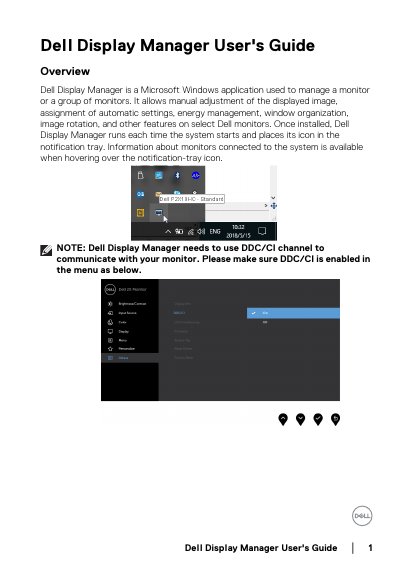
Enable DDC/CI in the monitor menu so DDM can communicate.
Yes, it can track and restore application window positions when reconnecting.