
This guide describes how to set up and use a Lenovo computer.
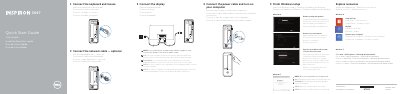
This document serves as a multilingual quick start guide for the Dell Inspiron 3647 computer. It provides step-by-step instructions for connecting essential peripherals such as the keyboard, mouse, network cable, and power cable to turn on the device. The guide also covers the initial Windows setup process, including enabling security and updates, and creating a Microsoft account or local account for sign-in.
| Model | D09S |
|---|---|
| Product Name | Inspiron 3647 |
| Power Input Voltage | 100 V CA–127 V CA/200 V CA–240 V CA |
| Power Frequency | 50 Hz–60 Hz |
| Input Current Consumption | 6 A/3 A |
| Country of Origin | China |
Connect the display to the discrete graphics card port instead of the main display port.
Do not use the @ symbol in your password.
You can find support and manuals at dell.com/support or dell.com/support/manuals.