
The Dell computer setup guide describes how to connect the monitor, keyboard, and mouse.
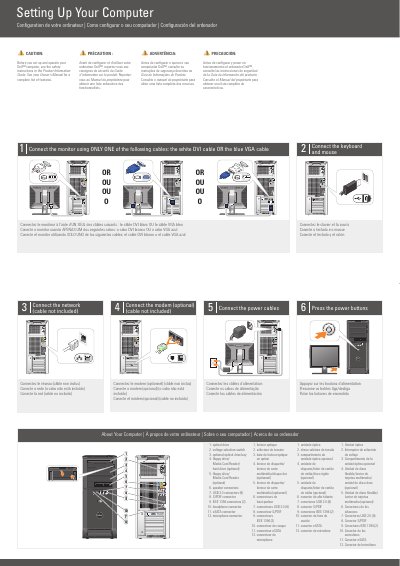
This document provides instructions for setting up a Dell XPS 420 computer. It covers the initial steps of connecting the monitor, keyboard, mouse, network, modem, and power cables. The guide includes specific cautions regarding safety instructions found in the Product Information Guide and the Owner's Manual.
You must use only one of the white DVI cable or the blue VGA cable.
The computer has eight USB 2.0 connectors.
There are two IEEE 1394 connectors.