
This document is a wireless network setup guide for Apple IOS devices. It explains how to connect to the Delta_Guest and Delta_Secure networks.
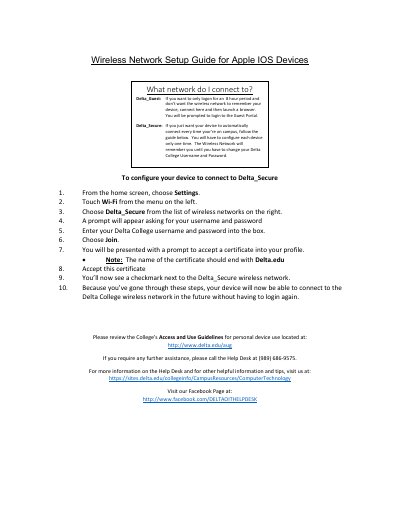
This guide explains how to connect Apple iOS devices to Delta College’s wireless networks. For temporary access, use Delta_Guest and log in via a browser. For persistent, automatic connection, configure Delta_Secure using your Delta College credentials and accept the Delta.edu certificate. Once set up, your device will connect automatically without re-authentication.
Go to Settings > Wi-Fi, select Delta_Secure, enter your Delta College username and password, join, accept the Delta.edu certificate, then your device will connect automatically in the future.
Select Delta_Secure. It is the network for automatic connections.
Enter your Delta College username and password.
It should end with Delta.edu.