
Key facts
- Manuals
- 1
- Languages
- EN
- Last added
- 2023-11-22
Featured Delta College manuals
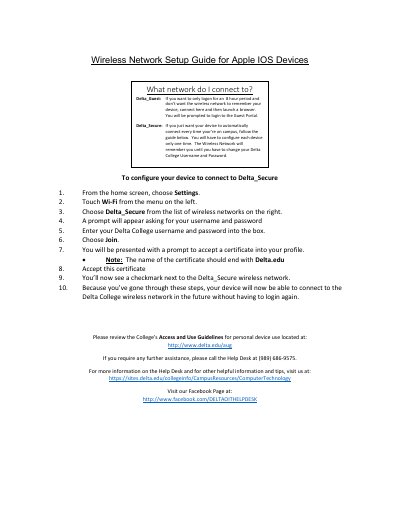
Delta College Wireless Network Setup Guide for Apple IOS Devices
This guide explains how to connect Apple iOS devices to Delta College’s wireless networks. For temporary access, use Delta_Guest and log in via a browser. For persistent, automatic connection, configure Delta_Secure using your Delta College credentials and accept the Delta.edu certificate. Once set up, your device will connect automatically without re-authentication.
Covers: Connecting to Delta_Guest · Configuring Delta_Secure · Entering Credentials · Accepting Certificate · Access Guidelines
Latest Delta College manuals
Delta College Wireless Network Setup Guide for Apple IOS Devices
User Manual 1 pages · 124 KB · ENStep-by-step guide to connect Apple iOS devices to Delta College’s Delta_Secure or Delta_Guest wireless networks.
Which document do I need?
User Manual
Day-to-day operation, settings and troubleshooting. Start here if the product is already set up.
Questions answered in Delta College manuals
How do I configure my device to connect to Delta_Secure?
Go to Settings > Wi-Fi, select Delta_Secure, enter your Delta College username and password, join, accept the Delta.edu certificate, then your device will connect automatically in the future.
From: Delta College Wireless Network Setup Guide for Apple IOS Devices
Which network should I select if I want my device to connect automatically on campus?
Select Delta_Secure. It is the network for automatic connections.
From: Delta College Wireless Network Setup Guide for Apple IOS Devices