
Dell Latitude 7290 Laptop Quick Start Guide

Dell Latitude 7290 Laptop Quick Start Guide
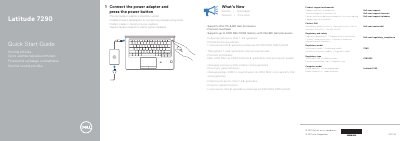

Dell Latitude 7290 Laptop Quick Start Guide - cover page
Brand
DELL
Category
Laptops
Document type
Quick Start Guide
Language
English
Pages
2
File format
PDF
File size
111 KB
Published
22 November, 2023
Updated
22 November, 2023
MD5 checksum
7B85F52F0BB0476B8413A505C2CFB224

About this manual

This document serves as a Quick Start Guide for the Dell Latitude 7290 laptop. It provides instructions for initial setup, specifically connecting the power adapter and pressing the power button. The guide is multilingual, offering support in English, Czech, Hungarian, Polish, and Slovak.

What's inside

  • Connect the power adapter
  • Press the power button
  • Product support and manuals
  • Regulatory and safety
  • Features
  • Hardware ports and slots

Specifications

Processor SupportIntel 7th & 8th Gen processors
Memory SupportUp to 2400 MHz DDR4
TouchpadPrecision touchpad
USB PortsUSB 3.1 Gen 1
DisplayPortDisplayPort over USB Type-C

Frequently asked questions

How do I start the laptop?

Connect the power adapter and press the power button.

What processor generations does the Latitude 7290 support?

The laptop supports Intel 7th and 8th Gen processors.

What is the maximum memory speed supported with Intel 8th Gen processors?

It supports up to 2400 MHz DDR4 memory when using Intel 8th Gen processors.

Download PDF (111 KB)

More DELL Manuals


View all DELL manuals →