
The document is about the network connection guide for LG TV.
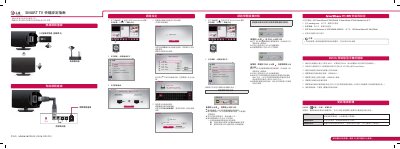
This document is a quick setup guide for the LG 42LA6400-DA Smart TV, focusing on network connectivity. It details the steps to connect the TV to the internet via a wired router or a wireless router, including manual security key entry if required. The guide also explains how to access the Smart Home menu to manage network settings. This manual is written in Chinese.
Go to Settings > Network > Network Connection, select the desired network, and enter the security key if required.
Check the connection status of the TV, AP, and modem, or restart them by turning the power off and on again.
You can use Wi-Fi Direct or Miracast/Intel's WiDi to wirelessly send video and music from a portable device to the TV.