
The Dell Performance Dock WD19DCS Quick Start Guide introduces the features and characteristics of the dock.
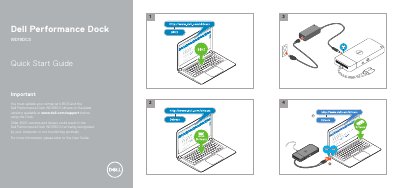
This quick start guide covers initial setup requirements for the Dell Performance Dock WD19DCS. It states that the computer's BIOS and dock drivers must be updated to the latest versions before use and refers readers to the User Guide for more information. The guide also lists power input and output ratings and USB Type-C port details.
| Input voltage | 100 V AC to 240 V AC |
|---|---|
| Input frequency | 50 Hz to 60 Hz |
| Input current | 3.5 A |
| Output voltage | 19.5 V DC |
| Output current | 12.3 A / 12.31 A |
| USB Type-C port | USB 3.1 read/write, 5 V/1.5 A, 5 Gbps |
| USB-C 3.1 with power supply and DisplayPort | 10 Gbps, 5 V/3 A output |
Update your computer's BIOS and the dock drivers to the latest versions available at www.dell.com/support.
Refer to the User Guide.
100 V AC to 240 V AC.