
The manual of Dell laptop, describes how to use the laptop and precautions.
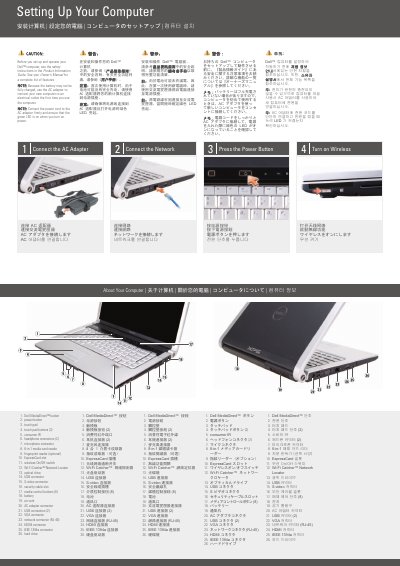
This guide helps you set up a Dell laptop computer. It explains how to connect the AC adapter and power cord, connect to a network, press the power button, and turn on wireless.
The document also identifies computer parts such as the Dell MediaDirect button, touch pad, media card reader, USB connectors, and other ports.
Use the AC adapter to connect your new computer.
Ensure that the green LED is on when you turn on power.
See your Owner's Manual for a complete list of features.