
The Dell PowerEdge C6400 and C6420 Getting Started Guide provides information on how to set up and use the Dell PowerEdge C6400 and C6420 servers.
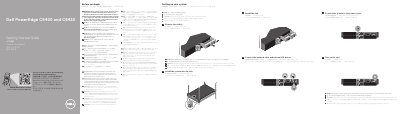
Dell PowerEdge C6400 and C6420 Getting Started Guide provides multilingual setup instructions for installing the system into a rack, removing and installing sleds, connecting network and I/O devices, connecting power, and turning on the sled. It also points to safety, environmental, and regulatory information and to the full documentation set.
The guide notes that Extended Power Performance (EPP) compliant power supply units are required and that the operating system should be installed before hardware or software not purchased with the system. Rack installation details are in the rack documentation included with the rack solution.
The documentation set is available at Dell.com/poweredgemanuals.
The operating system must be installed first.
Use Extended Power Performance (EPP) compliant power supply units.
See the rack documentation included with your rack solution.