
The Dell PowerConnect W-AP100 Series Access Points support the IEEE 802.11n standard for high-performance WLAN networks. This access point uses MIMO (Multiple Input Multiple Output) technology and other high-performance mode techniques to provide the best 802.11n 2.4 GHz and 5 GHz functionality while supporting existing 802.11a/b/g wireless services. The W-AP100 Series access point works only in conjunction with a Dell PowerConnect W-Series controller.
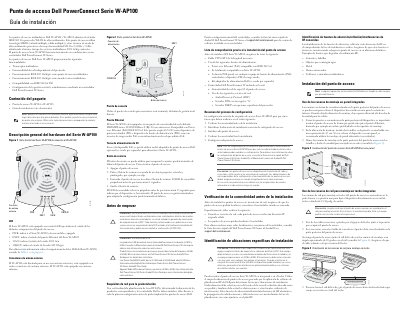
Dell PowerConnect W-AP100 Series access points (W-AP104 and W-AP105) support IEEE 802.11n with MIMO and operate in the 2.4 GHz and 5 GHz bands while supporting existing 802.11a/b/g wireless services. The series works only with a Dell PowerConnect W-Series controller and supports IEEE 802.3af PoE.
The guide describes hardware such as four status LEDs, external antenna connectors on the W-AP104, console and Ethernet ports, DC power jack, and reset button. It also covers pre-installation network requirements, a pre-installation checklist, connectivity verification, installation location planning, RF interference sources, and wall or ceiling rail mounting steps. This manual is written in Spanish.
| Wireless standard | IEEE 802.11n |
|---|---|
| MIMO | Supported |
| Frequency bands | 2.4 GHz and 5 GHz |
| Ethernet port | 10/100/1000Base-T (RJ-45), MDI/MDX, autosensing |
| Power over Ethernet | IEEE 802.3af |
| LED indicators | Four: PWR, ENET, 11A/N, 11B/G/N |
| External antenna connectors (W-AP104) | Four |
| Internal antennas (W-AP105) | Yes |
| RF exposure distance | Maximum 35 cm between radiator and body |
| Wall mounting screw spacing | 4.7 cm |
| Ceiling rail width | 15/16 inch |
| DC power input | 12 V at 1.25 A |
It operates only in combination with a Dell PowerConnect W-Series controller.
Four LEDs indicate status: PWR, ENET, 11A/N, and 11B/G/N.
Yes, it is compatible with IEEE 802.3af PoE.
Turn it off, press the reset button with a small pointed object, power it on while holding the button, then release it.