
The Dell Precision M6400 Service Manual provides information on how to service and maintain the Dell Precision M6400 laptop.
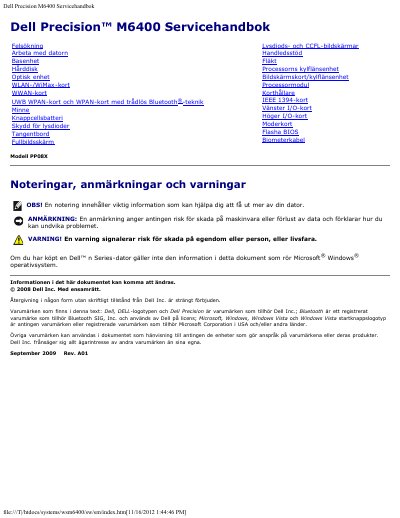
This is a Swedish service manual for the Dell Precision M6400 laptop (model PP08X). It covers troubleshooting, diagnostic lamp codes, hardware troubleshooters, and Dell Diagnostics, along with service topics such as the base unit, hard drive, optical drive, wireless cards, memory, keyboard, display, fan, processor module, and motherboard.
The manual explains keyboard status lights during POST and how to start Dell Diagnostics from the hard drive or Drivers and Utilities media. It also includes safety warnings and notes that Dell Diagnostics works only on Dell computers. This manual is written in Swedish.
| Dell model code | PP08X |
|---|
If the computer is not working as it should, the status of the lights can be used to identify the problem.
Remove the modules, install one module, restart the computer, then reinstall additional modules one at a time; install working memory of the same type if available, and contact Dell Support if the problem remains.
Ensure the computer is connected to a working outlet, press and hold Fn and turn on the computer (or choose Diagnostics from the one-time boot menu), then press any key to start Dell Diagnostics from the diagnostic partition.
No, Dell Diagnostics works only on Dell computers.