
Dell Latitude 13 Service Manual

The Dell™ Latitude™ 13 notebook is a thin and light notebook designed for business professionals. It features:
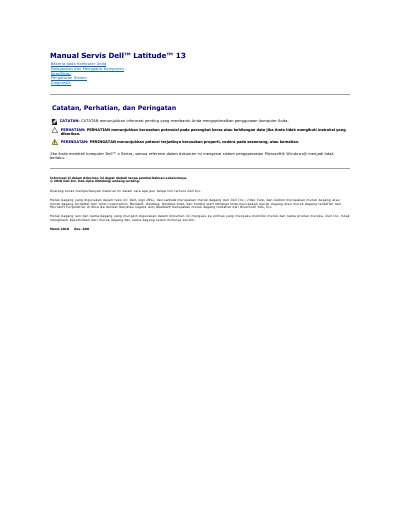

Dell Latitude 13 Service Manual - cover page
Brand
DELL
Category
Laptops
Document type
Service Manual
Language
ID
Pages
36
File format
PDF
File size
563 KB
Published
22 November, 2023
Updated
22 November, 2023
MD5 checksum
F9D0E21D67CAD2178CA0B68834B6C5B6

About this manual

This document serves as a service manual for the Dell Latitude 13 notebook. It provides instructions for accessing system settings, boot menus, and diagnostic options using specific key combinations such as F2, F12, and Ctrl+P. The manual details the navigation and configuration options available within the BIOS and System Setup menus.

What's inside

  • System Settings
  • Boot Menu
  • Diagnostic Options
  • Navigation Keys
  • System Information
  • Memory Information
  • Processor Information
  • Device Information
  • Boot Order
  • Security Settings

Frequently asked questions

How do you enter the System Setup?

Press to enter the System Setup and make changes to user-configurable settings.

How do you access the one-time boot menu?

Press when the Dell logo appears to start the one-time boot menu.

How do you access Intel AMT settings?

Press +

to access Intel AMT settings.

Download PDF (563 KB)

More DELL Manuals


View all DELL manuals →