
Dell Vostro V13 Notebook Service Manual

The Dell™ Vostro™ V13 is a notebook designed specifically for small businesses. It features:
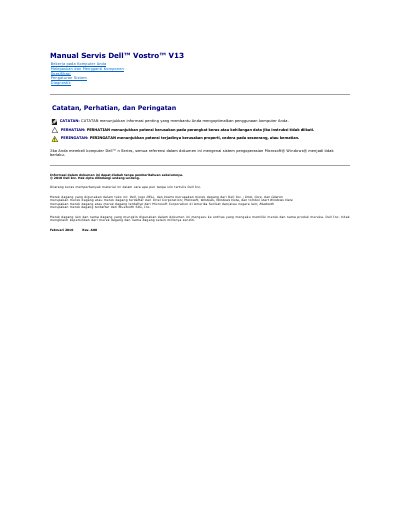

Dell Vostro V13 Notebook Service Manual - cover page
Brand
DELL
Category
Laptops
Document type
Service Manual
Language
ID
Pages
36
File format
PDF
File size
654 KB
Published
22 November, 2023
Updated
22 November, 2023
MD5 checksum
0E27455121872CABF307FE58F08BBE68

About this manual

This document is a service manual for the Dell Vostro V13 notebook. It provides instructions on how to access and configure the System Setup utility, which is used to change system configuration information and user-selectable options after adding or removing hardware. The manual includes warnings regarding potential hardware damage or data loss if instructions are not followed carefully.

What's inside

  • System Setup Overview
  • Entering System Setup
  • Navigating System Setup
  • Main Tab Options
  • Advanced Tab Options
  • Security Tab Options
  • Boot Tab Options
  • Exiting System Setup

Specifications

Product NameVostro V13
CPU TypeVariable
System MemoryVariable
Fixed HDDVariable

Frequently asked questions

How do I enter the System Setup?

When the blue DELL logo is displayed, watch for the F2 message and press immediately.

What does the F2 message indicate?

The F2 message indicates that the keyboard has been initialized.

How do I save and exit the System Setup?

Press to save the current configuration and exit the System Setup.

Download PDF (654 KB)

More DELL Manuals


View all DELL manuals →