
The Dell™ OptiPlex™ 740 User's Guide provides information on the computer's specifications, features, and how to use it.
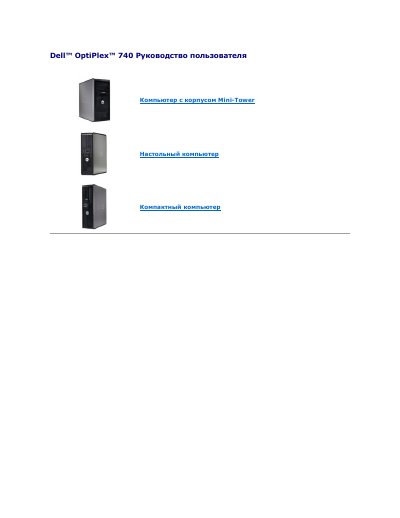
This document is the user guide for the Dell OptiPlex 740 computer with a Mini-Tower chassis. It provides instructions on managing system technologies such as LegacySelect and ASF (Alert Standard Format) warnings. The guide details how administrators can use Dell OpenManage IT Assistant to monitor and control system properties, events, and security. This manual is written in Russian.
LegacySelect allows administrators to remotely enable or disable connectors and devices, including serial ports, USB ports, parallel port, floppy drive, PCI slots, and PS/2 mouse; disabled ports and devices free resources, and changes take effect after restarting the computer.