
Dell Precision T1500 Workstation Service Manual

The Dell™ n Series computer does not apply to the Microsoft® Windows® operating system.
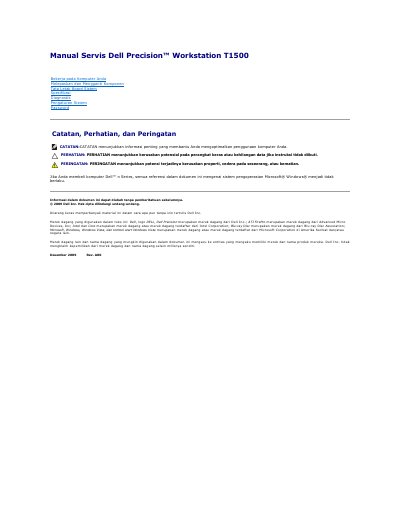

Dell Precision T1500 Workstation Service Manual - cover page
Brand
DELL
Category
Desktops
Document type
Service Manual
Language
ID
Pages
48
File format
PDF
File size
5.3 MB
Published
21 November, 2023
Updated
21 November, 2023
MD5 checksum
634373075EE67FA93933B0E2C6A6B410

About this manual

This document serves as a service manual for the Dell Precision T1500 Workstation. It provides instructions for accessing system settings via the BIOS, configuring hardware options, and managing boot priorities. The manual includes specific procedures for entering the setup utility using the F2 key and the boot menu using the F12 key.

What's inside

  • System Settings
  • System Configuration
  • Boot Options
  • Diagnostics
  • Power Management
  • Chipset Configuration
  • Security Settings
  • Hardware Maintenance

Frequently asked questions

How do you enter the System Settings?

Press the key immediately when the blue DELL logo is displayed during startup.

How do you access the Boot Menu?

Press the key immediately when the Dell logo appears to access the boot device selection menu.

What does the Express Test do?

It runs a quick test for devices that usually takes 10 to 20 minutes to help track problems quickly.

Download PDF (5.3 MB)

More DELL Manuals


View all DELL manuals →