
The Dell OptiPlex 7020 Quick Start Guide provides information on how to set up and use the Dell OptiPlex 7020 computer.
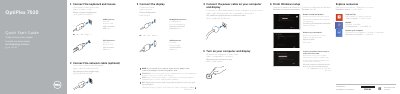
This Dell OptiPlex 7020 Quick Start Guide helps you set up the OptiPlex 7020 MT and OptiPlex 7020 SFF computers. It shows how to connect the keyboard, mouse, network cable, display, and power cable, then turn on the computer and display.
The guide also covers finishing Windows setup, enabling security and updates, connecting to a network, logging in to a Microsoft account, exploring resources, and registering your computer. A features section lists the connectors and buttons for both models.
| Regulatory model | OptiPlex 7020 MT: D12M; OptiPlex 7020 SFF: D13M |
|---|---|
| Computer model | OptiPlex 7020 MT / OptiPlex 7020 SFF |
Yes, connecting the network cable is optional.
Connect the display to the discrete graphics card.
It covers the OptiPlex 7020 MT and OptiPlex 7020 SFF.
Turn on your computer and display.