
The Dell™ OpenManage™ Server Administrator Storage Management User's Guide provides information on how to use the Dell™ OpenManage™ Server Administrator Storage Management features.
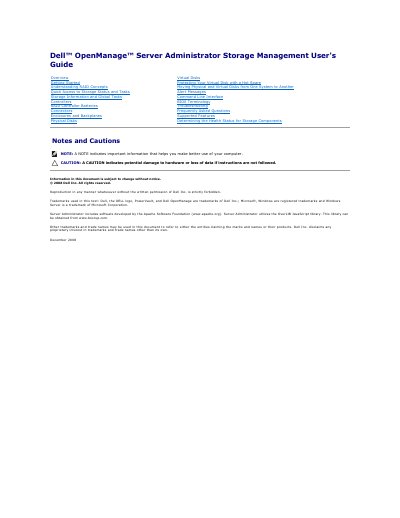
This document serves as the User's Guide for Dell OpenManage Server Administrator Storage Management. It provides instructions and information for managing storage controllers, including the PERC 3/SC, 3/DC, 3/QC, 4/SC, 4/DC, 4/Di, 4e/Si, 4e/Di, 4e/DC, CERC ATA100/4ch, and 4/IM models. The guide covers essential topics such as understanding RAID concepts, accessing storage status, configuring controllers, managing physical and virtual disks, and handling alert messages.
| Maximum Number of Virtual Disks per Controller | 40 |
|---|---|
| Minimum Virtual Disk Size | 100 MB |
| Maximum Virtual Disk Size | 2TB |
| Maximum Number of Spans per Virtual Disk | 8 |
| Maximum Number of Physical Disks per Span | 32 |
| Minimum Stripe Size | 2k |
| Maximum Stripe Size | 128k |
| Maximum Number of Physical Disks in a RAID 0 | 32 |
| Maximum Physical Disks in a RAID 1 | 2 |
| Maximum Number of Physical Disks in a RAID 5 | 32 |
| Maximum Number of Physical Disks in a RAID 10 | 16 |
The supported RAID levels are Concatenation, RAID 0, RAID 1, RAID 5, RAID 10, and RAID 50.
No, these controllers do not support RAID 6 or RAID 60.
A minimum of 3 physical disks is required for a RAID 5 configuration.
Yes, the 'Create Virtual Disk Advanced Wizard' is supported on all listed controllers.