
The Dell DSS 1510 Getting Started Guide introduces some of the features of the system, including the power rating, system battery, and temperature.
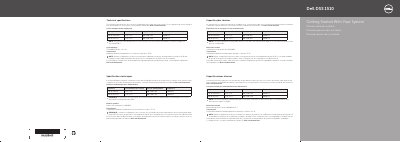
This document serves as a Getting Started Guide for the Dell DSS 1510 server. It outlines the essential steps required to set up the system, including connecting peripherals like the keyboard, mouse, and monitor, securing the power cable, and installing the unit into a rack. The guide includes multilingual instructions (English, French, Portuguese, and Spanish) for these setup procedures.
| Power rating (Platinum) | 550 W |
|---|---|
| Power rating (Bronze) | 450 W |
| Supply Voltage | 100–240 V AC |
| Frequency | 50/60 Hz |
| System battery | 3 V CR2032 lithium coin cell |
The maximum ambient temperature for continuous operation is 35°C.
The system uses a 3 V CR2032 lithium coin cell battery.