
The Dell™ Vostro™ 1510 Service Manual provides step-by-step instructions on how to disassemble and repair the Dell™ Vostro™ 1510 notebook computer.
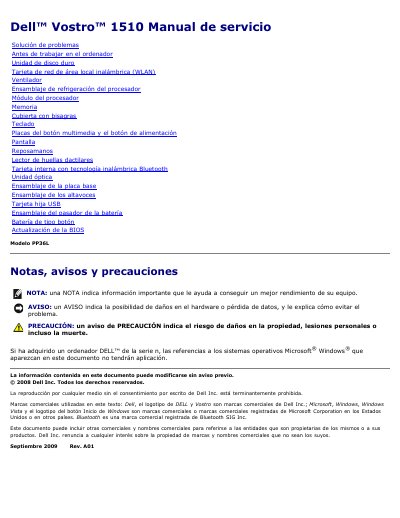
This document is a service manual for the Dell Vostro 1510 laptop, published by Dell Inc. in September 2009. It is written in Spanish and provides technical instructions for technicians and advanced users.
| Model Number | PP36L |
|---|
During normal operation, the keyboard status indicators show the current state (activated or deactivated) of the Num Lock, Caps Lock, and Scroll Lock functions.
If two or more memory modules are installed, remove them, reinstall one module, and restart the computer. If it starts normally, install additional modules one by one to identify a defective module.
Press and hold the