
The Dell™ Inspiron™ 300/400 Service Manual provides information on how to service the Dell™ Inspiron™ 300/400 notebook.
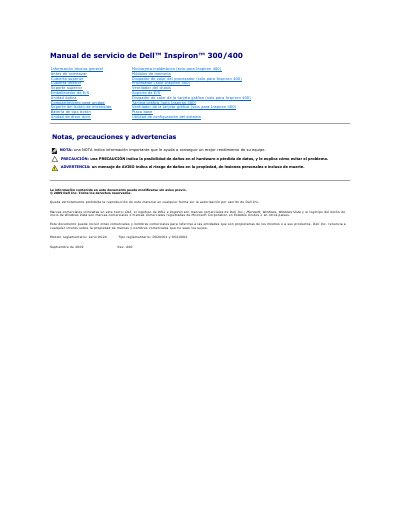
This document is a service manual for the Dell Inspiron 300 and Inspiron 400 desktop computers. It provides detailed instructions for technicians on how to remove and install internal components, including the lower cover, wireless mini-card (for Inspiron 400), optical drive, hard drive, and various internal modules.
The manual emphasizes safety precautions, such as discharging static electricity and disconnecting power sources before opening the chassis. It includes specific steps for handling the wireless mini-card, noting that Dell does not guarantee compatibility with third-party cards and that warranty coverage may be voided by unauthorized repairs. This manual is written in Spanish.
This manual covers the Dell Inspiron 300 and Inspiron 400 models.
The recommended tools include a small Phillips screwdriver and a hex screwdriver.
You must insert the minicard at a 45-degree angle into the motherboard connector.