
Dell Dimension Computer Setup Instructions

Setup instructions for Dell computers

Dell Dimension Computer Setup Instructions - cover page
Brand
DELL
Category
Desktops
Document type
User Manual
Language
English
Pages
2
File format
PDF
File size
1.9 MB
Published
20 November, 2023
Updated
20 November, 2023
MD5 checksum
EB4B519AA61035EFA154359E8F7E545A

About this manual

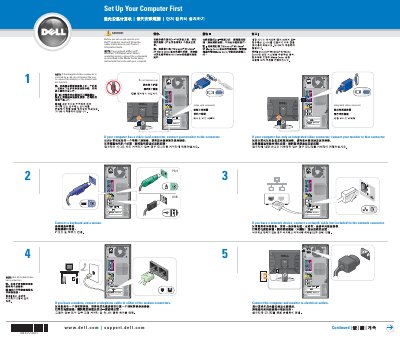
This document provides setup instructions for connecting a Dell computer to a monitor, keyboard, mouse, and optional devices like modems and sound cards. It specifies connecting the monitor to either the video card connector or the integrated video connector, depending on the hardware configuration. Users are advised to connect the computer and monitor to electrical outlets before proceeding.

What's inside

  • Connect Monitor
  • Connect Keyboard and Mouse
  • Connect Modem
  • Connect Other Devices
  • Turn on Computer
Download PDF (1.9 MB)

More DELL Manuals


View all DELL manuals →