
Quick Start Guide for Dell Latitude 14 5000 Series E5470 laptop.
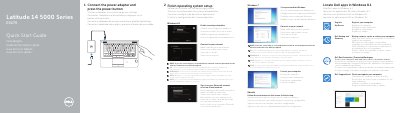
This document serves as a Quick Start Guide for the Dell Latitude E5470 laptop. It provides multilingual instructions for initial setup, including connecting the power adapter, configuring the operating system (Windows 8.1, Ubuntu), and setting up security features like passwords and account sign-ins. The guide also details how to register the device and access Dell support tools.
| Input Voltage | 100 V CA–240 V CA |
|---|---|
| Input Current (Max) | 2,5 A |
| Input Frequency | 50 Hz–60 Hz |
| Output Current | 3,34 A/ 4,62 A |
| Output Voltage | 19,5 V DC |
| Regulatory Model | P62G |
| Product Support URL | Dell.com/support |
Enter the password for the wireless network access when prompted.
Register your computer to use Dell Backup and Recovery and other services.
Locate Dell apps in Windows 8.1 to access specific Dell software.