
Guide to setting up a Dell computer, including connecting the monitor, keyboard, mouse, network, modem, and power cables.
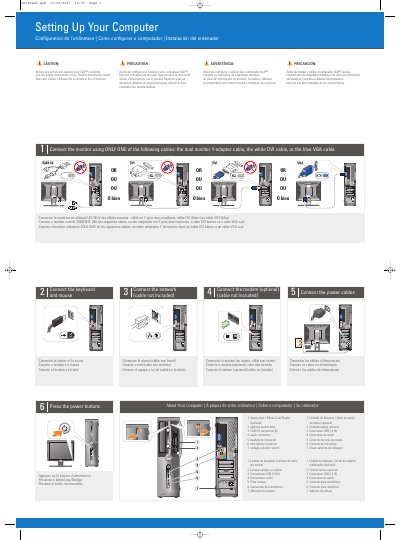
This document provides instructions for setting up a Dell Vostro computer. It details the required connections for the monitor, keyboard, mouse, network, modem, and power cables. The guide specifies that only one type of monitor cable (dual monitor Y-adapter, white DVI, or blue VGA) should be used.
| USB 2.0 connectors | 6 |
|---|---|
| Audio connectors | Included |
| Headphone connector | Included |
| Microphone connector | Included |
You can use the dual monitor Y-adapter cable, the white DVI cable, or the blue VGA cable.
You should see your Owner's Manual for more information.