
The Dell Latitude 14 3000 Series Notebook Quick Start Guide.
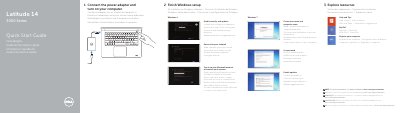
This document serves as a multilingual quick start guide for the Dell Latitude 14 3000 Series notebook. It provides step-by-step instructions for initial setup, including connecting the power adapter, completing Windows setup, enabling security and updates, connecting to a network, and signing into a Microsoft account or creating a local one. The guide also covers creating a user name and computer name and setting a password.
For more information, see the Owner's Manual at dell.com/support/manuals.
The notebook has two USB 3.0 connectors.
The fingerprint reader is optional.