
Latitude 14 5000 Series E5470 Quick Start Guide
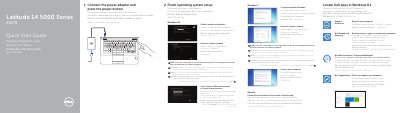
This Quick Start Guide covers the initial setup process for the Dell Latitude 14 5000 Series E5470. It instructs users on how to connect the power adapter, finish operating system setup (supporting Windows 8.1, Ubuntu, and others), enable security updates, connect to a network, and sign in to a Microsoft account. The guide also explains how to locate Dell applications such as Backup and Recovery, Data Protection, and SupportAssist.
| Operating System Support | Windows 8.1, Ubuntu |
|---|---|
| Model | Latitude E5470 |
| Regulatory Model | P62G |
The guide supports setup for Windows 8.1 and Ubuntu, among others.
You must enable security and updates after connecting the power adapter and pressing the power button.
You must enter the password for the wireless network access when prompted.