
The Dell Storage NX3330 System Getting Started Guide introduces the features and benefits of the system, including:
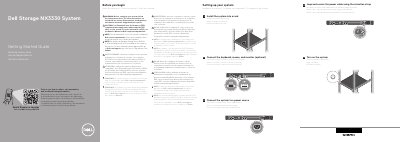
This document serves as a Getting Started Guide for the Dell Storage NX3330 system. It outlines the initial setup process, including connecting peripherals and power, and highlights critical safety warnings regarding power supply units and environmental conditions. The guide also directs users to additional resources for troubleshooting and detailed documentation.
| Power rating per PSU | 750 W |
|---|---|
| Heat Dissipation | 2891 BTU/hr maximum |
| System Battery | CR 2032 3.0 – V lithium coin cell |
| Max Ambient Temperature | 35°C |
| Default OS | Windows Storage Server 2012 R2 or 2016 |
Use Extended Power Performance (EPP) compliant power supply units, indicated by the EPP label.
Check Dell.com/storagemanuals for the latest updates to the documentation set.
The maximum ambient temperature for continuous operation is 35°C.